## youtube无人直播
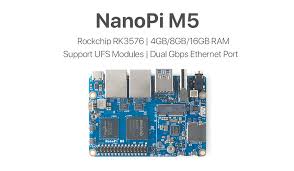
硬件可以在淘宝搜索nanopi M5
因为它可以安装`安卓`系统,也可以安装`armbian` (Linux系统)
某音平台实时录播 (开源项目)
https://github.com/ihmily/DouyinLiveRecorder
下载
```
git clone https://github.com/ihmily/DouyinLiveRecorder.git
```
让AI 修改第1521行代码的else逻辑 : 把ts录制改成youtube推流,建议grok
```
else:
if split_video_by_time:
```
定制脚本,正在构建,后续分享
---
安装docker安卓 -redroid
> 安装基础依赖
```
apt install linux-modules-extra-`uname -r`
modprobe binder_linux devices="binder,hwbinder,vndbinder"
modprobe ashmem_linux
```
安卓启动 (X86芯片的电脑也可以)
```
docker run -itd --privileged \
--pull always \
-v ~/data:/data \
-p 5555:5555 \
redroid/redroid:11.0.0-latest
```
下载 `via浏览器` apk
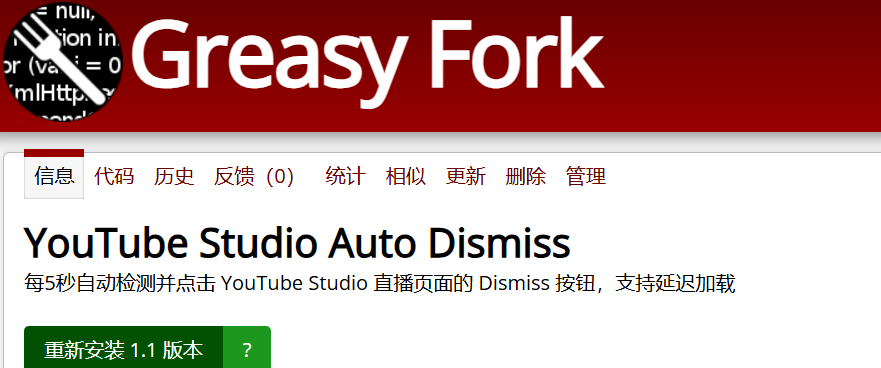
 油猴脚本: 自动开播/点击弹窗
https://greasyfork.org/zh-CN/scripts/557378-youtube-studio-auto-dismiss
 ---
## 电脑控制安卓
windows下载软件 qtscrcpy
https://github.com/barry-ran/QtScrcpy
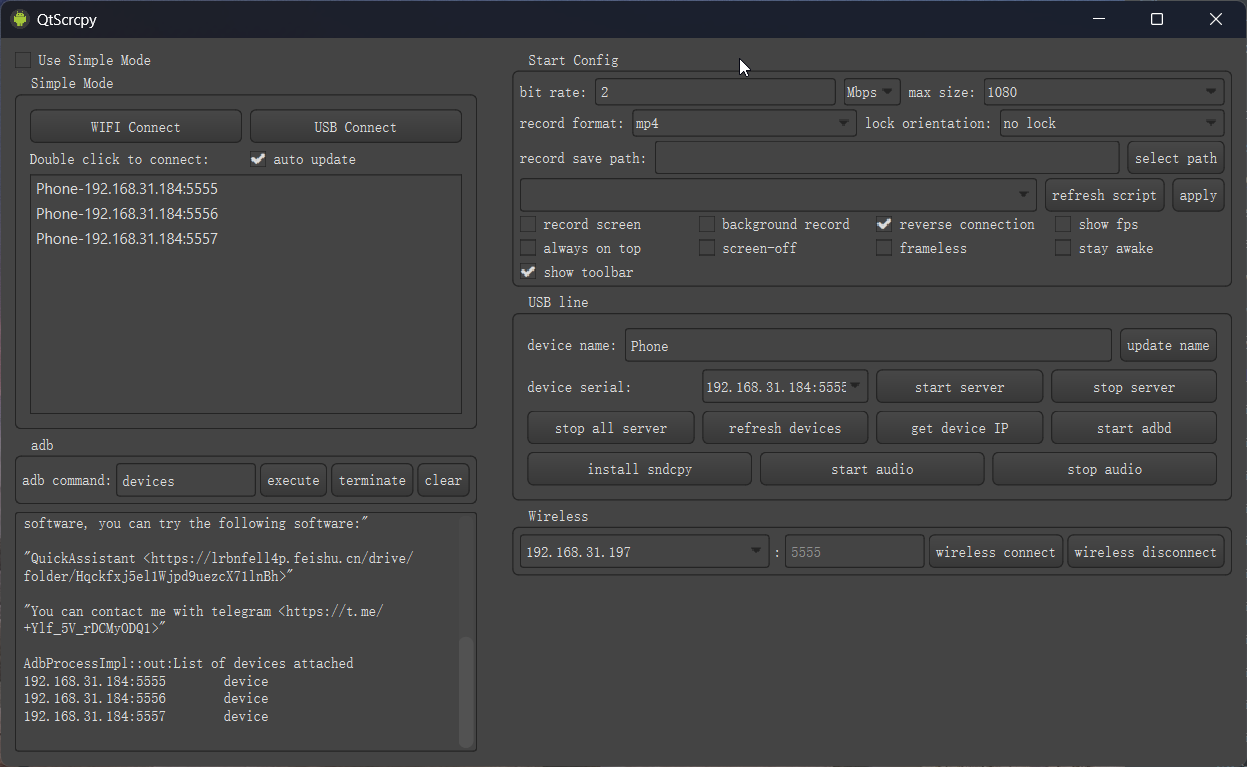 via浏览器打开youtube后台
一定要是 `桌面模式`
