# 无人直播教程
## Youtube直播
首先推荐arm开发板 [香橙派4pro](http://www.orangepi.cn/html/hardWare/computerAndMicrocontrollers/details/Orange-Pi-4-Pro.html) ,4gb版本 260元左右
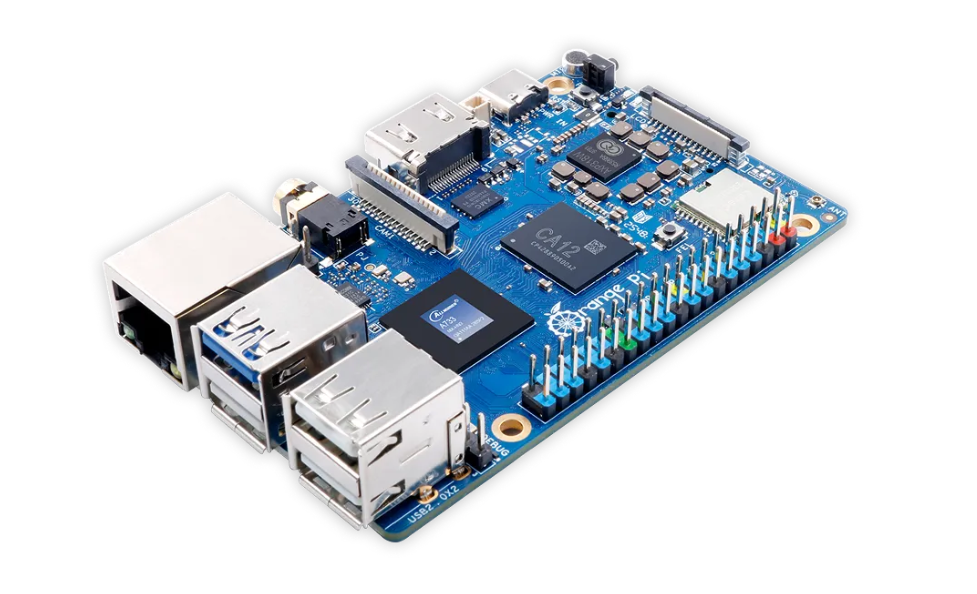
可以使用技术栈实现无人直播
- [shellcrash](https://github.com/juewuy/ShellCrash)
- python+ffmpeg (实时转播)
- [docker-chrome浏览器 ](https://github.com/m1k1o/neko)+ (油猴脚本外挂[auto dismiss](https://greasyfork.org/zh-CN/scripts/557378-youtube-studio-auto-dismiss))
---
## 刷linux系统
准备`TF 卡`一张,建议64gb
买一个usb3.0的`读卡器`
在官方网站的百度网盘下载 `ubuntu server` 操作系统
在电脑下载软件` balenaEtcher`
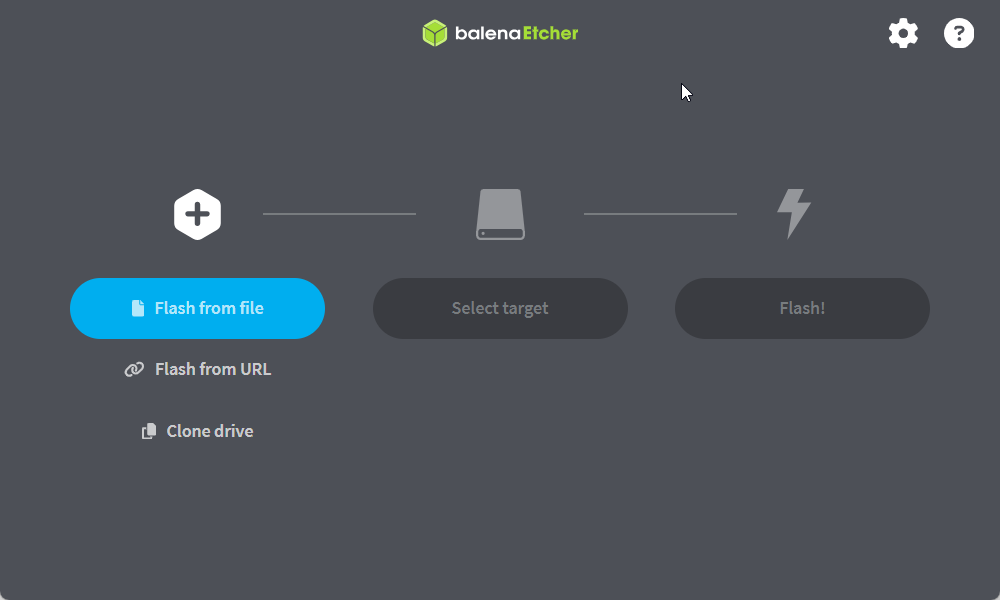 把系统镜像,刷写到TF 后,
开发板插网线,插电,就可以ssh登录了,账号密码 `orangepi`
```
ssh orangepi@开发板ip地址
```
---
## shellcrash
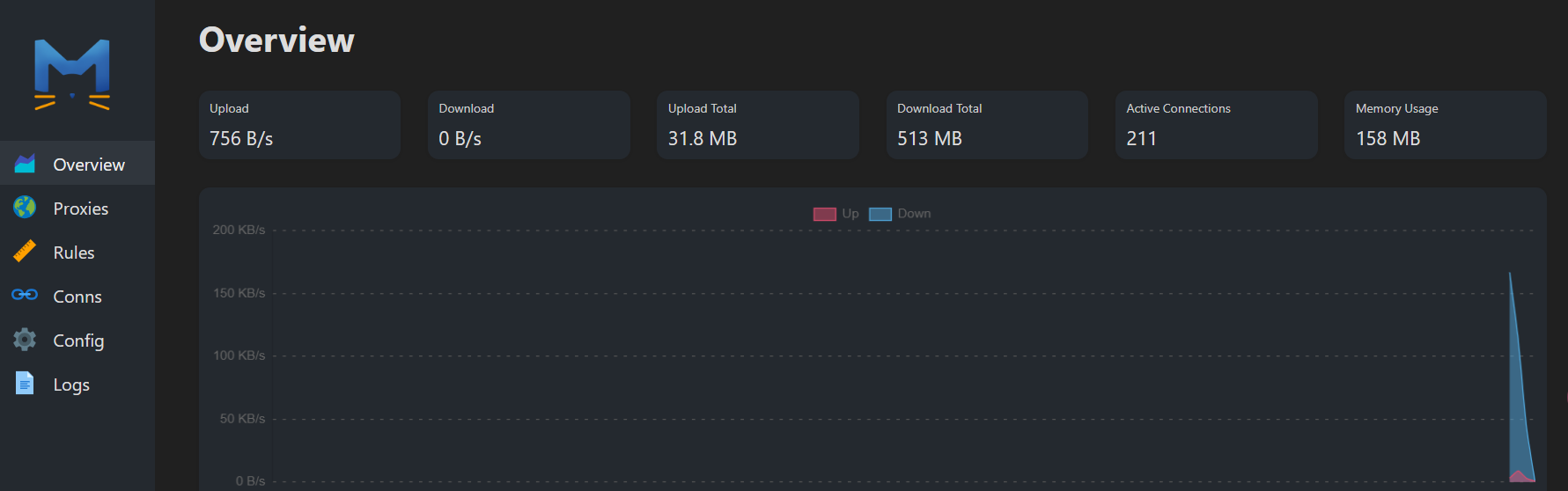
shellcrash可以看作`飞机`,加油之后科学上网才能飞往美国(全球其他国家)
进入香橙派系统后,复制一下命令并回车
```
export url='https://testingcf.jsdelivr.net/gh/juewuy/ShellCrash@master' \
&& wget -q --no-check-certificate -O /tmp/install.sh $url/install.sh \
&& bash /tmp/install.sh \
&& . /etc/profile &> /dev/null
```
按照提示,进行安装
部署好之后,你的香橙派就有了飞机,但是没有汽油
> 汽油教程
- 直接买 [justmysocks]([Portal Home - Just My Socks](https://justmysocks.net/members/aff.php?aff=12475), 它是vps云服务商推出的服务
也可以自己搭建
- 去[nomadro.com](https://nomadro.com/)查看推荐,买vps云服务器 和 静态住宅ip
- 谷歌搜索 [八合一](https://github.com/mack-a/v2ray-agent)`一键脚本`
这块的细节不能赘述,保姆级教程请去搜油管
---
## chrome浏览器
在电脑的浏览器,可以实时打开开发板里面的docker容器浏览器
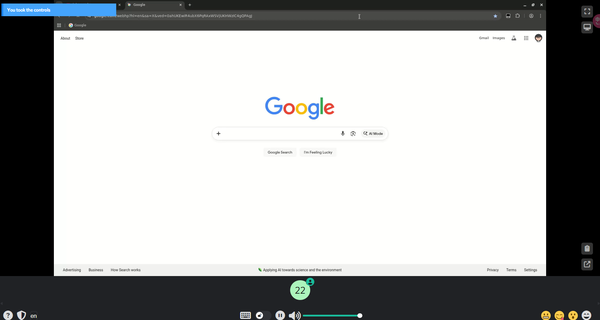
> 数据持久化
```
mkdir -p ~/neko-chromium-profile
chown -R 1000:1000 ~/neko-chromium-profile
```
> 自定义策略
让浏览器可以运行外挂脚本
```
mkdir -p ~/neko-policies/managed
chown -R 1000:1000 ~/neko-policies
```
写入配置文件
```
cat < ~/neko-policies/managed/policies.json
{
"ExtensionInstallForcelist": [
"dhdgffkkebhmkfjojejmpbldmpobfkfo;https://clients2.google.com/service/update2/crx"
],
"ExtensionInstallAllowlist": [
"*"
],
"ExtensionInstallBlocklist": [],
"DownloadRestrictions": 0,
"AllowFileSelectionDialogs": true,
"URLAllowlist": ["file:///home/neko/Downloads/*"],
"DefaultCookiesSetting": 4,
"RestoreOnStartup": 4,
"RestoreOnStartupURLs": ["https://nomadro.com"]
}
EOF
```